
Installation
System Requirements
- macOS: 14.0 (Sonoma) or later
- Processor: Apple Silicon (M1+) or Intel x86_64
Install via Homebrew
The fastest option:Download from GitHub Releases
- Go to GitHub Releases
- Download the DMG for your Mac. Asset names include the version, for example
TablePro-0.57.0-arm64.dmg:- Apple Silicon (M1+): the
arm64DMG - Intel: the
x86_64DMG
- Apple Silicon (M1+): the
Installation Steps
- Open the DMG file (double-click)
- Drag TablePro to the Applications folder shortcut
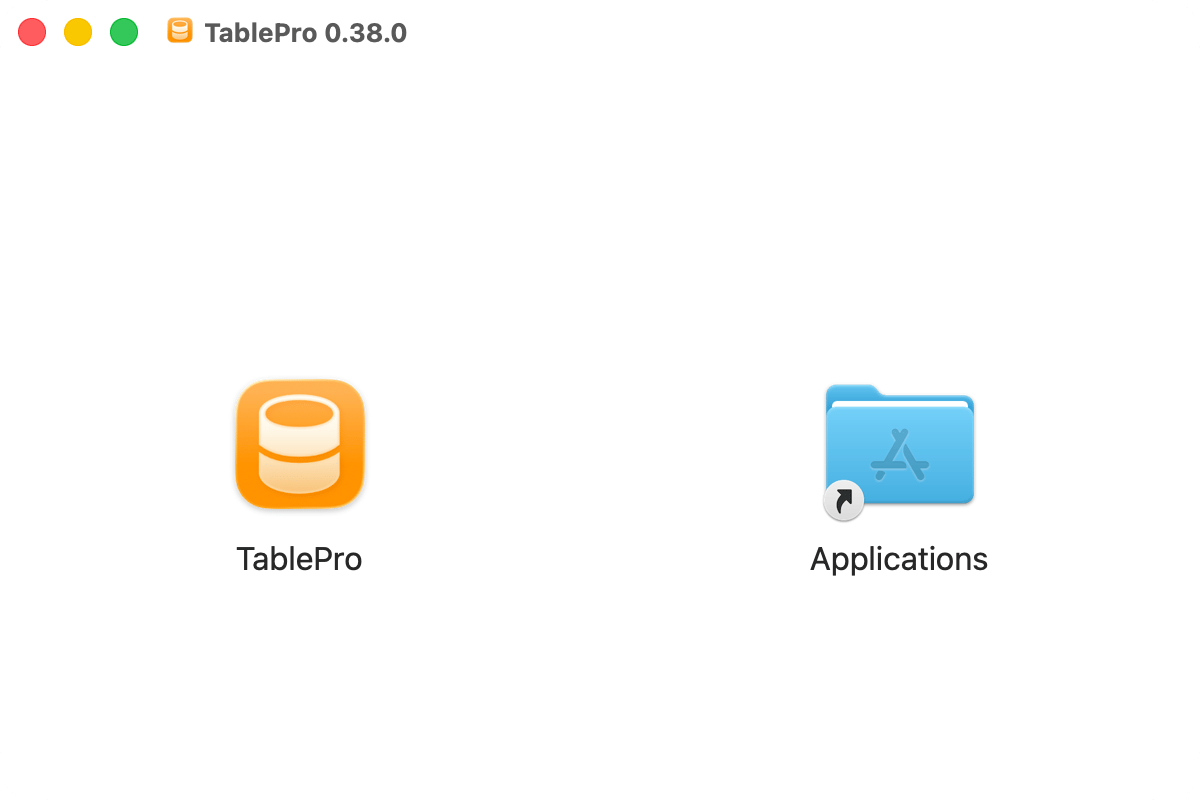
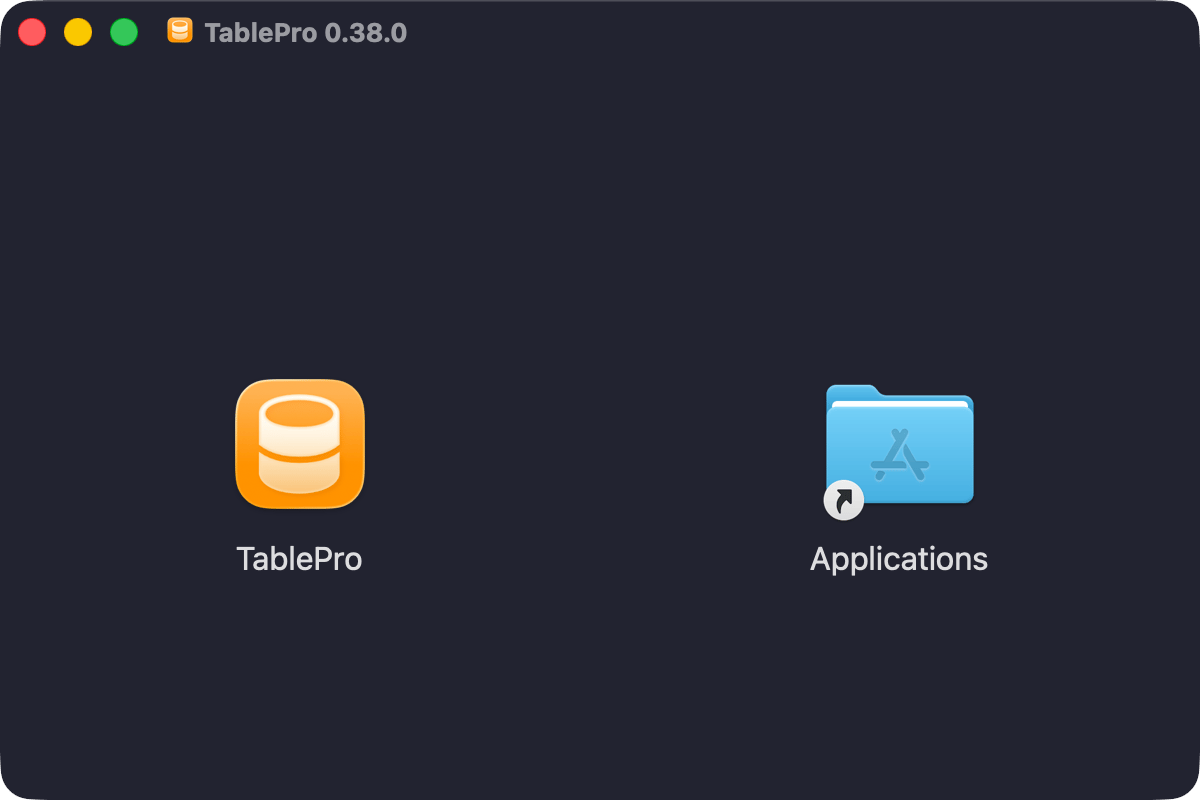
Drag TablePro to Applications
- Eject the DMG (right-click > Eject)
- Open Finder > Applications and launch TablePro
Updating TablePro
TablePro checks for updates automatically via Sparkle. Check manually: TablePro > Check for Updates…. Connections and settings persist across updates.Uninstallation
- Quit TablePro
- Drag TablePro from Finder > Applications to Trash
Connection passwords are stored in the macOS Keychain and are not removed by these commands. Delete them in Keychain Access by searching for
com.TablePro. Data synced through iCloud stays in your iCloud account.