
Development Setup
Prerequisites
Optional but recommended:
Quick Start
1
Clone the repository
2
Download native libraries
.a files (libmariadb, libpq, etc.) from GitHub Releases into Libs/. Takes a few seconds.3
Create build config
4
Install tools
5
Open in Xcode
6
Configure signing
- Select the TablePro target
- Go to Signing & Capabilities, Debug sub-tab
- Change Team to your Apple Developer account (a free personal team works)
- Change the Bundle Identifier from
com.TableProto something unique, for examplecom.yourhandle.TablePro
TablePro.Debug.entitlements, which drops
the iCloud capability, so a free personal team can sign it without a paid
Apple Developer Program membership. If another target still shows a team
error (a driver plugin or the MCP server), set its Team the same way.Do not commit the resulting project.pbxproj changes; they break official
Release signing. Hide them locally:7
Build and run
Select the TablePro scheme, set destination to My Mac, press Xcode writes the built app to DerivedData
(
Cmd+R.Or from the command line:~/Library/Developer/Xcode/DerivedData/TablePro-*/Build/Products/Debug).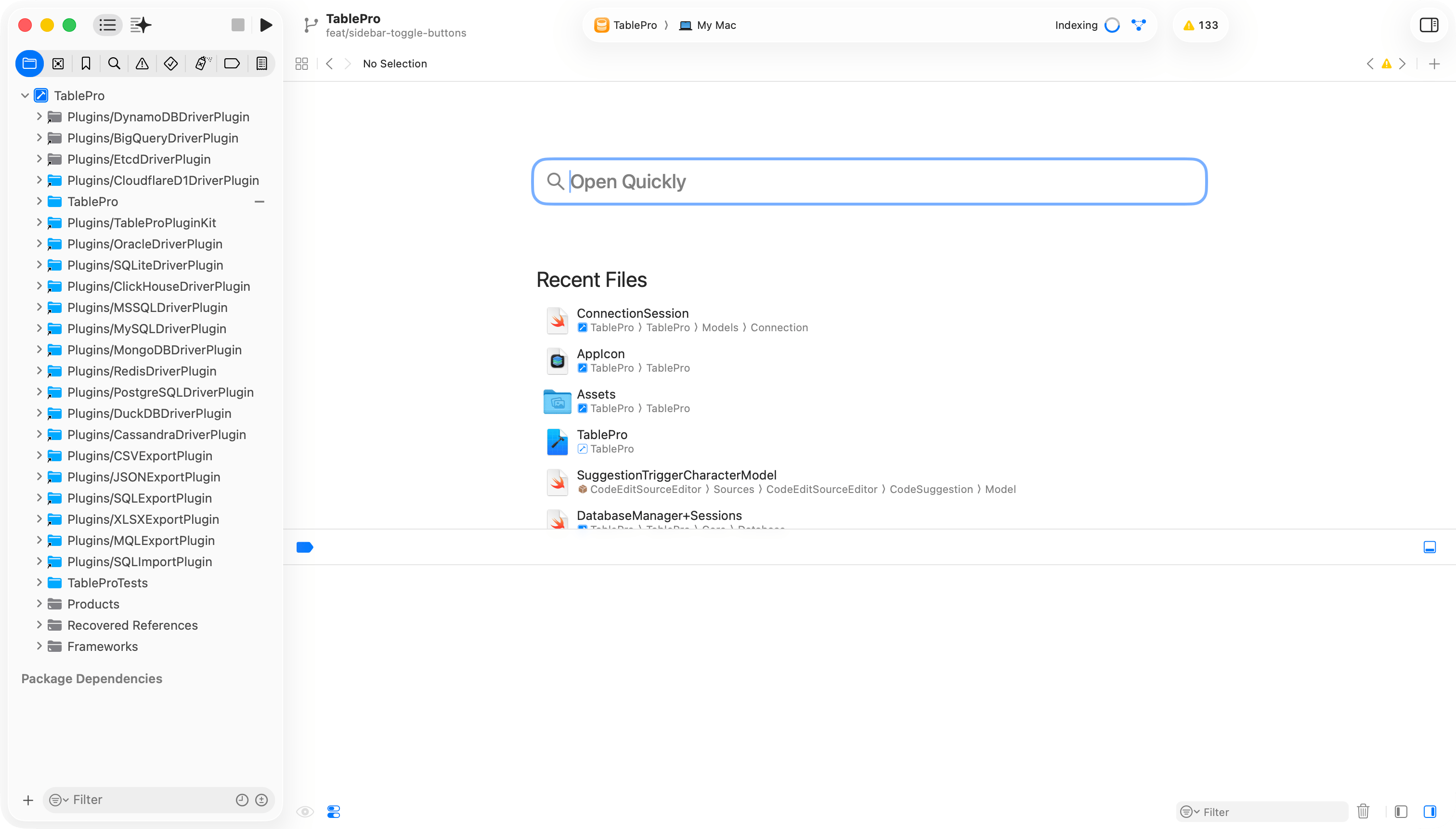
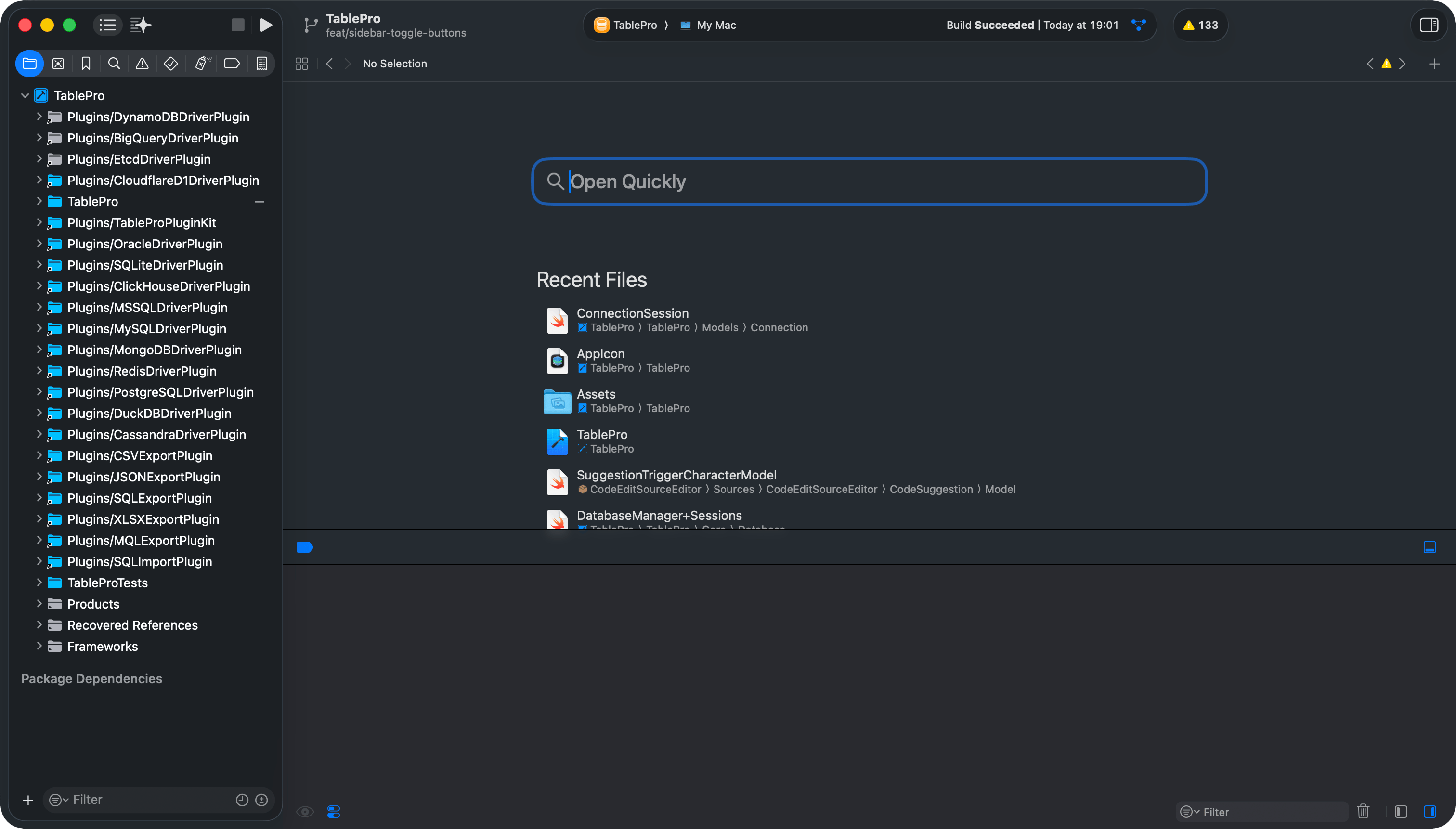
Xcode project setup
Project Structure
TablePro
Core
Views
Models
ViewModels
Extensions
Theme
Resources
Plugins
Libs
TableProTests
docs
scripts
Running Tests
Cmd+U. To run a single class or method, pass -only-testing:TableProTests/TestClassName or -only-testing:TableProTests/TestClassName/testMethodName.
Linting and Formatting
Before committing:swiftlint lint is not enough. Full tooling reference: Code Style.
Troubleshooting
The
-skipPackagePluginValidation flag is required because CodeEditSourceEditor (an SPM dependency) bundles a SwiftLint plugin. Without this flag, CLI builds fail with a validation error.