
iCloud Sync
TablePro syncs your connections, groups, table favorites, saved queries, settings, and SSH profiles across all your Macs via CloudKit. iCloud Sync requires an active license (Starter or Team, see Licensing).What syncs (and what doesn’t)
Passwords are not synced by default. Enable the Passwords toggle under Connections to sync them via Apple’s iCloud Keychain. Enabling it only affects new saves: re-save a password to update its sync. With password sync off, enter the password once on each new Mac.
Enabling iCloud Sync
Open Settings (Cmd+,) > Account, toggle iCloud Sync on, choose which categories to sync, and click Sync Now. Sync is off by default.
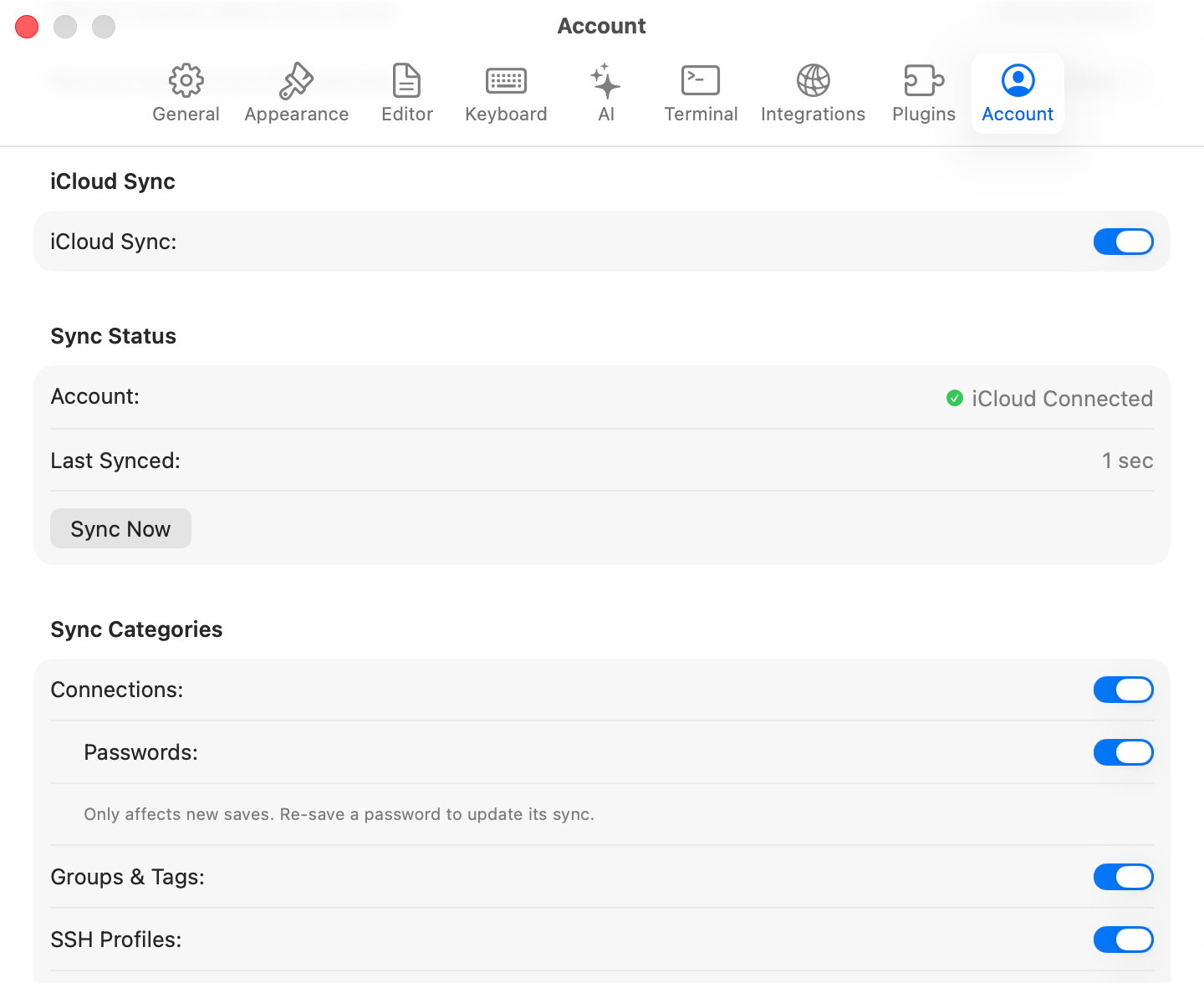
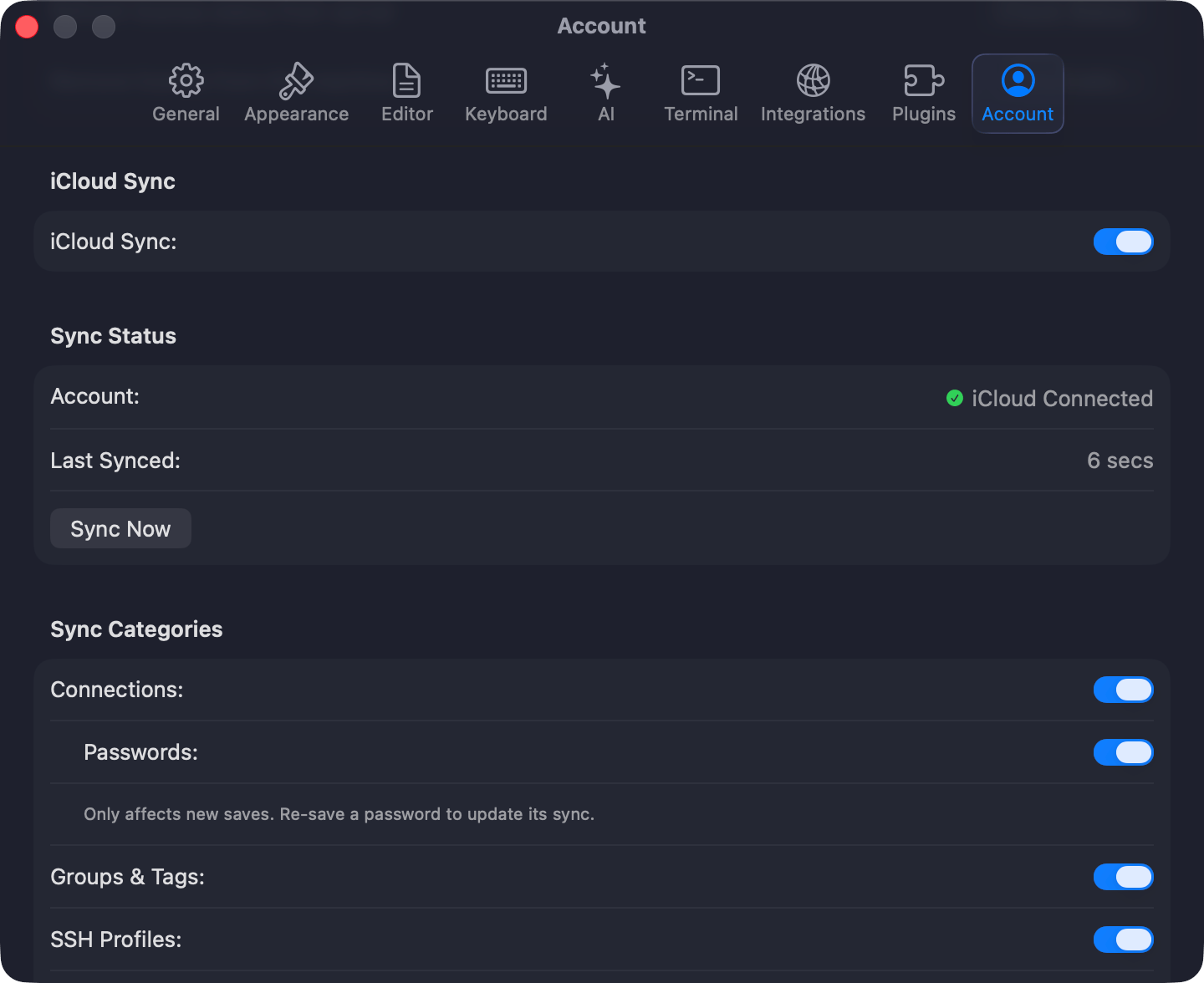
iCloud Sync settings
Excluding individual connections
Some connections (e.g., localhost, dev databases) don’t make sense on other devices. Mark them as Local only to keep them off iCloud:- Connection form: open the Advanced tab and toggle Local only
- Context menu: right-click a connection and choose Exclude from iCloud Sync
icloud.slash icon in the sidebar. The flag is preserved when duplicating or exporting connections.
TablePro auto-syncs on app launch, when you switch back to it, and 2 seconds after you modify synced data.
When the same record changes on two Macs, you choose to keep the local or remote version. Conflicts are per-record, not per-category.
When a license expires, sync stops but local data remains. Re-activate to resume.