> ## Documentation Index
> Fetch the complete documentation index at: https://ngquct-feat-ai-sql-walkthroughs.mintlify.site/llms.txt
> Use this file to discover all available pages before exploring further.
# Development Setup
> Clone, configure signing, and build TablePro in Xcode
# Development Setup
## Prerequisites
| Software | Version | Notes |
| -------- | -------------- | ------------------ |
| macOS | 14.0+ (Sonoma) | Target platform |
| Xcode | 15.0+ | Includes Swift 5.9 |
Optional but recommended:
| Tool | Install | Purpose |
| ----------- | -------------------------- | -------------------------- |
| SwiftLint | `brew install swiftlint` | Linting |
| SwiftFormat | `brew install swiftformat` | Code formatting |
| GitHub CLI | `brew install gh` | Used by `download-libs.sh` |
## Quick Start
```bash theme={null}
git clone https://github.com/TableProApp/TablePro.git && cd TablePro
```
```bash theme={null}
scripts/download-libs.sh
```
This pulls pre-built `.a` files (libmariadb, libpq, etc.) from GitHub Releases into `Libs/`. Takes a few seconds.
Skipping this step causes linker errors. The static libraries are not checked into git.
```bash theme={null}
touch Secrets.xcconfig
```
Empty file is fine for development. Production builds use this for API keys.
```bash theme={null}
brew install swiftlint swiftformat
```
```bash theme={null}
open TablePro.xcodeproj
```
1. Select the **TablePro** target
2. Go to **Signing & Capabilities**, **Debug** sub-tab
3. Change **Team** to your Apple Developer account (a free personal team works)
4. Change the **Bundle Identifier** from `com.TablePro` to something unique, for example `com.yourhandle.TablePro`
The Debug configuration signs with `TablePro.Debug.entitlements`, which drops
the iCloud capability, so a free personal team can sign it without a paid
Apple Developer Program membership. If another target still shows a team
error (a driver plugin or the MCP server), set its **Team** the same way.
Do not commit the resulting `project.pbxproj` changes; they break official
Release signing. Hide them locally:
```bash theme={null}
git update-index --skip-worktree TablePro.xcodeproj/project.pbxproj
```
Select the **TablePro** scheme, set destination to **My Mac**, press `Cmd+R`.
Or from the command line:
```bash theme={null}
xcodebuild -project TablePro.xcodeproj -scheme TablePro -configuration Debug build -skipPackagePluginValidation
```
Xcode writes the built app to DerivedData
(`~/Library/Developer/Xcode/DerivedData/TablePro-*/Build/Products/Debug`).
Writing a driver plugin? See [Plugin Development](/development/plugin-development) to build one and [Testing a Custom Plugin](/development/testing-plugins) to run it in your local build.
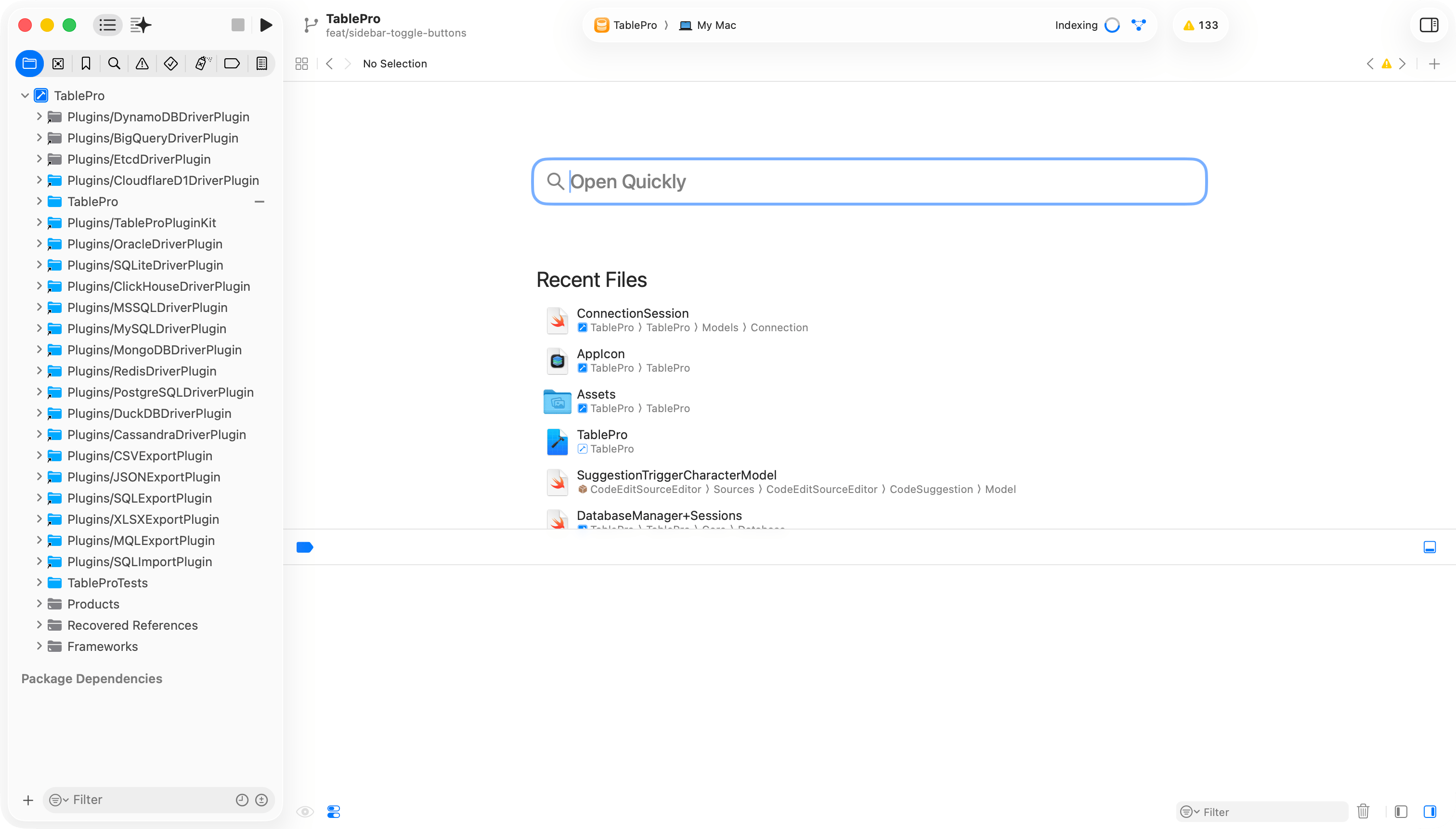
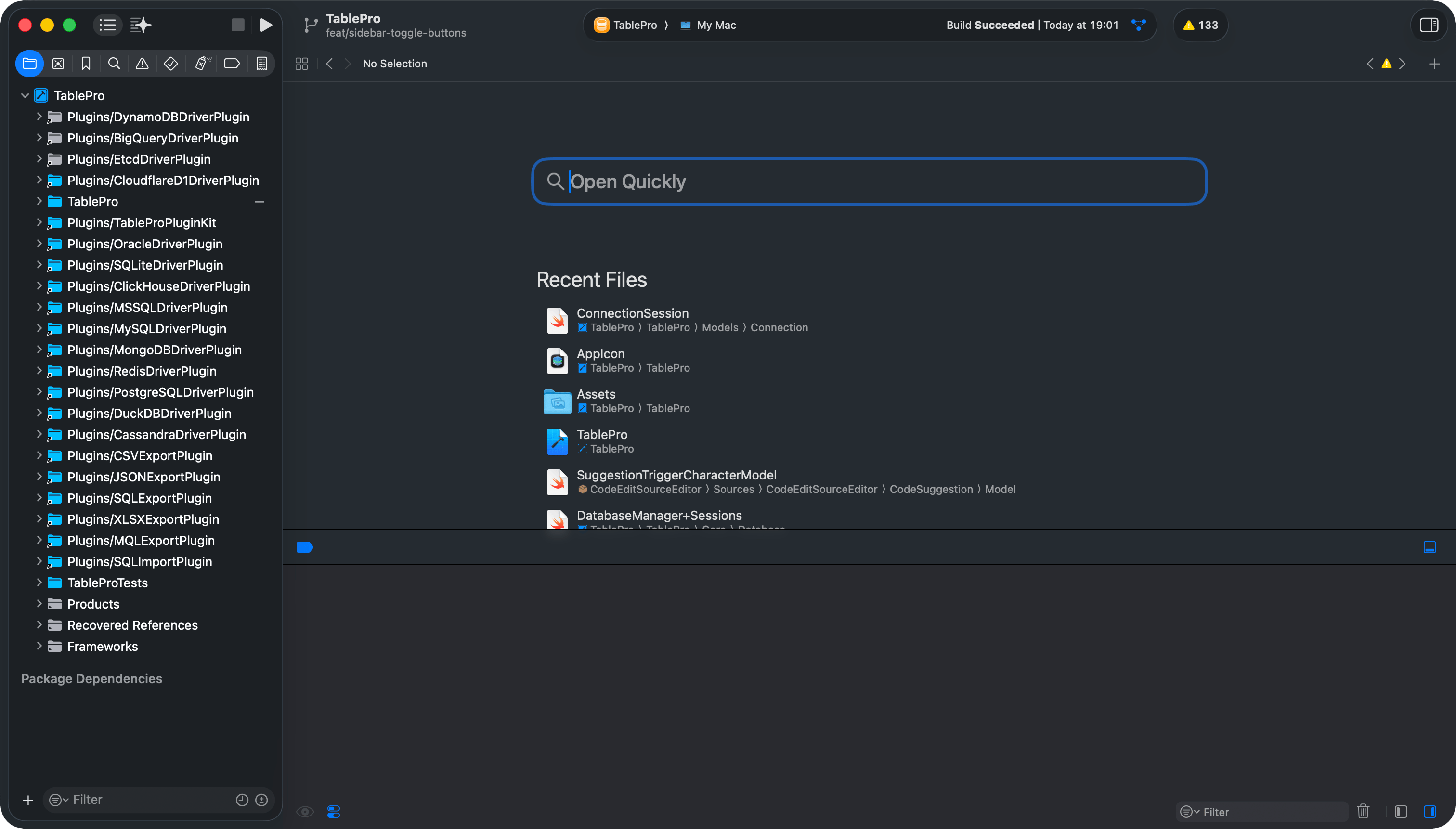 ## Project Structure
## Running Tests
```bash theme={null}
xcodebuild -project TablePro.xcodeproj -scheme TablePro test -skipPackagePluginValidation
```
Or in Xcode: `Cmd+U`. To run a single class or method, pass `-only-testing:TableProTests/TestClassName` or `-only-testing:TableProTests/TestClassName/testMethodName`.
## Linting and Formatting
Before committing:
```bash theme={null}
swiftlint lint --strict
swiftformat .
```
CI rejects warnings, so plain `swiftlint lint` is not enough. Full tooling reference: [Code Style](/development/code-style).
## Troubleshooting
| Problem | Fix |
| ----------------------------------- | ------------------------------------------------------------------- |
| Linker errors about missing symbols | Run `scripts/download-libs.sh` |
| SPM resolution fails | Clean build folder (`Cmd+Shift+K`), reopen Xcode |
| Build fails after pulling | Delete derived data: `rm -rf ~/Library/Developer/Xcode/DerivedData` |
| Missing `Secrets.xcconfig` error | Run `touch Secrets.xcconfig` in project root |
| Code signing errors | Change Team in Signing & Capabilities |
The `-skipPackagePluginValidation` flag is required because CodeEditSourceEditor (an SPM dependency) bundles a SwiftLint plugin. Without this flag, CLI builds fail with a validation error.
## Project Structure
## Running Tests
```bash theme={null}
xcodebuild -project TablePro.xcodeproj -scheme TablePro test -skipPackagePluginValidation
```
Or in Xcode: `Cmd+U`. To run a single class or method, pass `-only-testing:TableProTests/TestClassName` or `-only-testing:TableProTests/TestClassName/testMethodName`.
## Linting and Formatting
Before committing:
```bash theme={null}
swiftlint lint --strict
swiftformat .
```
CI rejects warnings, so plain `swiftlint lint` is not enough. Full tooling reference: [Code Style](/development/code-style).
## Troubleshooting
| Problem | Fix |
| ----------------------------------- | ------------------------------------------------------------------- |
| Linker errors about missing symbols | Run `scripts/download-libs.sh` |
| SPM resolution fails | Clean build folder (`Cmd+Shift+K`), reopen Xcode |
| Build fails after pulling | Delete derived data: `rm -rf ~/Library/Developer/Xcode/DerivedData` |
| Missing `Secrets.xcconfig` error | Run `touch Secrets.xcconfig` in project root |
| Code signing errors | Change Team in Signing & Capabilities |
The `-skipPackagePluginValidation` flag is required because CodeEditSourceEditor (an SPM dependency) bundles a SwiftLint plugin. Without this flag, CLI builds fail with a validation error.