> ## Documentation Index
> Fetch the complete documentation index at: https://ngquct-feat-ai-sql-walkthroughs.mintlify.site/llms.txt
> Use this file to discover all available pages before exploring further.
# CockroachDB
> Connect to CockroachDB clusters over the PostgreSQL wire protocol, including CockroachDB Cloud with cluster routing
# CockroachDB Connections
TablePro connects to CockroachDB, a distributed SQL database that is wire-compatible with PostgreSQL, using the same libpq driver as [PostgreSQL](/databases/postgresql). Schema introspection reads `information_schema` and `pg_catalog`, and table and view DDL come from CockroachDB's native `SHOW CREATE`. The PostgreSQL page applies unless noted here.
## Connection Settings
| Field | Default | Notes |
| ------------ | ----------- | -------------------------------------------------- |
| **Host** | - | Cluster host, or `localhost` for a local node |
| **Port** | `26257` | |
| **Database** | `defaultdb` | Default database in every cluster |
| **Username** | - | Not pre-filled; `root` for local insecure clusters |
Fill in the form and click **Save & Connect**. For a local node started with `cockroach start-single-node --insecure`, set SSL Mode to **Disabled** and leave the password empty.
## CockroachDB Cloud
CockroachDB Cloud connection strings include a cluster routing parameter. Copy the host, port, user, password, and database from the Cloud console, then put the routing value in the **Connection Options** field under the Advanced tab:
```text theme={null}
--cluster=my-cluster-1234
```
Set SSL Mode to **Verify Identity** for Cloud clusters. The Connection Options field is passed straight to libpq, so it also accepts other libpq options for self-hosted clusters.
## Connection URL
```text theme={null}
cockroachdb://user:password@host:26257/defaultdb
```
`cockroach://` also works. See [Connection URL Reference](/databases/connection-urls) for all parameters.
## Features
**Schemas**: like PostgreSQL, default schema `public`. Switch with Cmd+K.
**DDL**: table and view definitions come from `SHOW CREATE`. Indexes come from `SHOW INDEXES`. Foreign keys are read from `information_schema`.
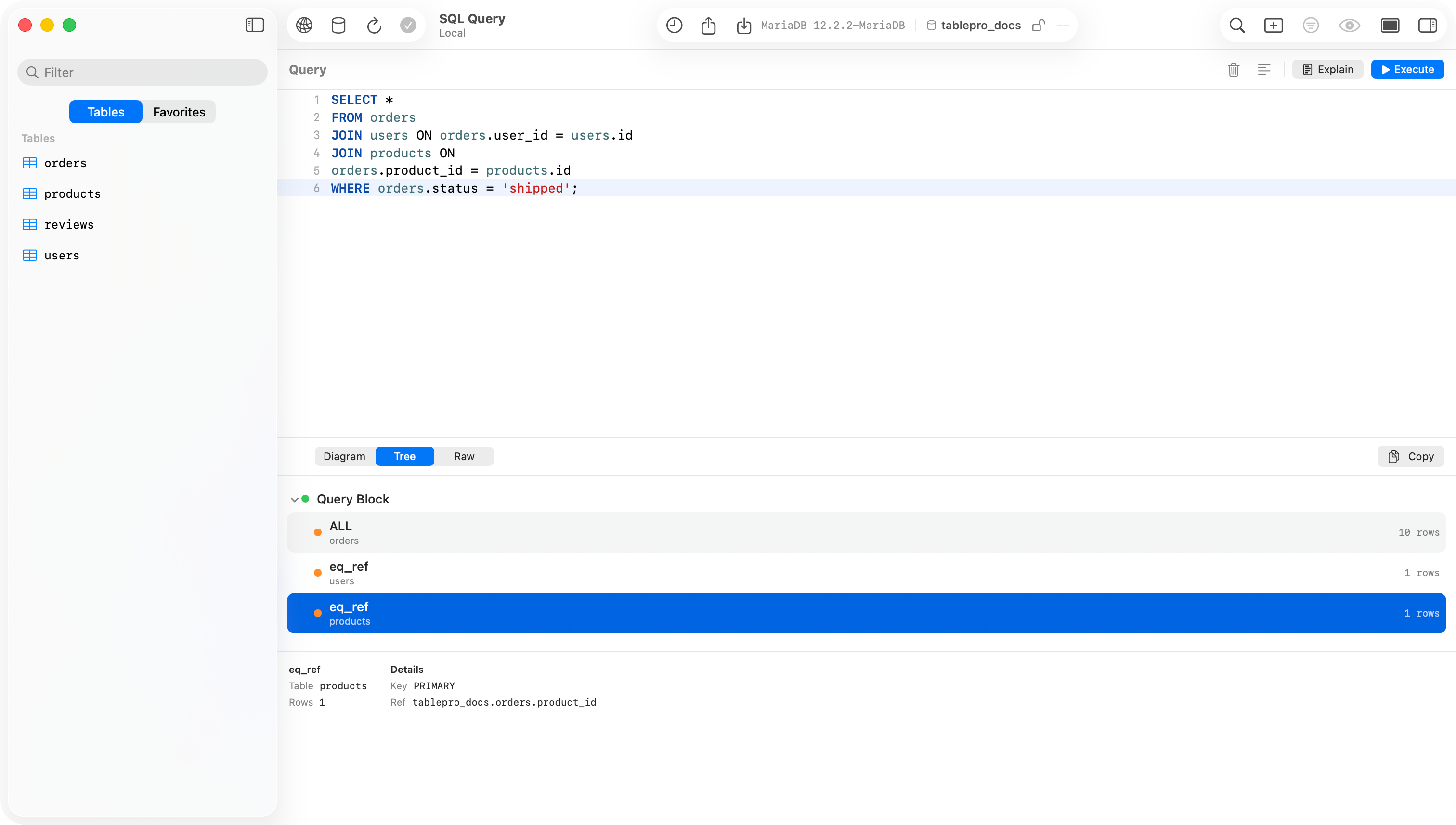
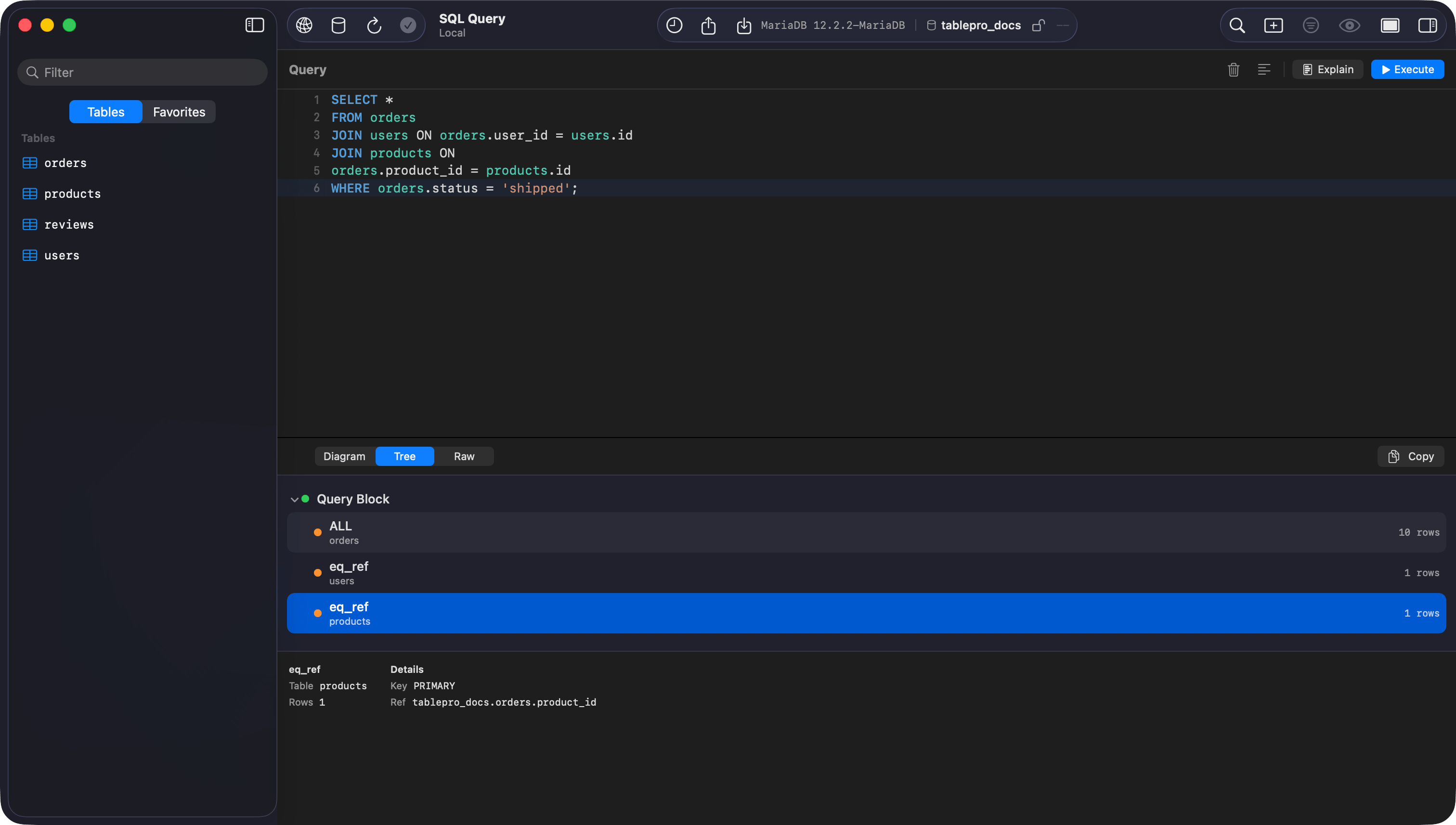
**EXPLAIN**: `EXPLAIN` and `EXPLAIN ANALYZE` render as a visual plan tree. CockroachDB returns text plans, not JSON, and TablePro parses them into the tree.
 **Import & Export**: export to CSV, JSON, SQL, or XLSX. Import from CSV, JSON, or SQL. See [Import & Export](/features/import-export).
## Limitations
* TablePro disables all structure editing for CockroachDB: no add, modify, or drop column, no index changes, no primary key changes from the structure tab. Run schema changes as SQL in the editor.
* No `pg_dump` / `pg_restore`. The **Backup Dump** and **Restore Dump** menu items are not available. Use CockroachDB's `BACKUP` and `RESTORE` SQL statements instead.
* No `VACUUM`. CockroachDB garbage-collects automatically, so the maintenance panel does not offer it.
* Foreign key checks are not deferrable.
## Troubleshooting
**Connection refused**: check the cluster is running and the port (default `26257`) is reachable. For local clusters, confirm `cockroach start` is still running.
**Auth failed**: for local insecure clusters use user `root` with no password and SSL Mode **Disabled**. For Cloud, copy credentials from the console and use SSL Mode **Verify Identity**.
**Cloud connection hangs or rejects**: make sure the cluster routing value is set in **Connection Options** (`--cluster=your-cluster-name`).
**EXPLAIN shows raw text**: plan output that does not match the expected tree shape falls back to raw text display.
**Import & Export**: export to CSV, JSON, SQL, or XLSX. Import from CSV, JSON, or SQL. See [Import & Export](/features/import-export).
## Limitations
* TablePro disables all structure editing for CockroachDB: no add, modify, or drop column, no index changes, no primary key changes from the structure tab. Run schema changes as SQL in the editor.
* No `pg_dump` / `pg_restore`. The **Backup Dump** and **Restore Dump** menu items are not available. Use CockroachDB's `BACKUP` and `RESTORE` SQL statements instead.
* No `VACUUM`. CockroachDB garbage-collects automatically, so the maintenance panel does not offer it.
* Foreign key checks are not deferrable.
## Troubleshooting
**Connection refused**: check the cluster is running and the port (default `26257`) is reachable. For local clusters, confirm `cockroach start` is still running.
**Auth failed**: for local insecure clusters use user `root` with no password and SSL Mode **Disabled**. For Cloud, copy credentials from the console and use SSL Mode **Verify Identity**.
**Cloud connection hangs or rejects**: make sure the cluster routing value is set in **Connection Options** (`--cluster=your-cluster-name`).
**EXPLAIN shows raw text**: plan output that does not match the expected tree shape falls back to raw text display.